Gratulant 1.5.0: Never Miss a Birthday — Even If You Forget the App Exists
Gratulant 1.5.0 brings a glanceable countdown widget, a smart system that keeps your reminders alive even after weeks away, and onboarding that takes under a minute. Here's what's new.
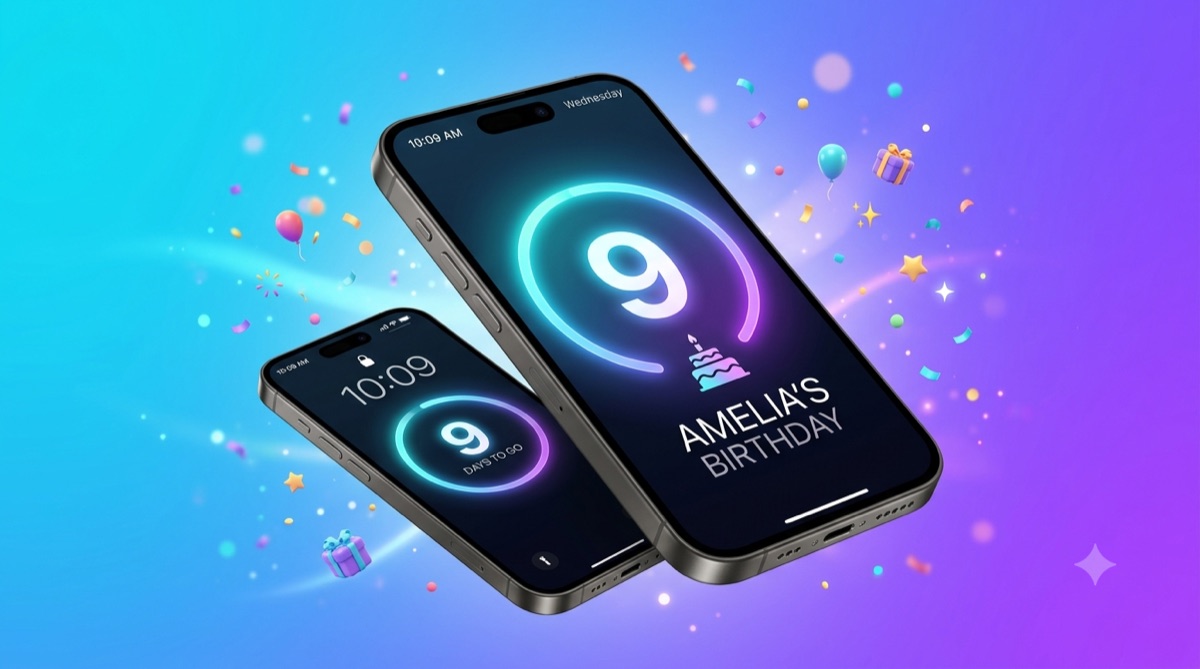
Birthdays, namedays, and anniversaries don't wait for you to open an app — and that's exactly the problem Gratulant was built to solve. Version 1.5.0 makes it dramatically harder to ever be caught off guard: a glanceable countdown widget, a quietly brilliant system that keeps your reminders alive even if you go weeks without opening the app, and a rebuilt onboarding that gets you set up in under a minute. Here's what's new — and exactly when each feature will save you.
The countdown widget — the big number you can't ignore
A configurable widget for your Home Screen and Lock Screen counts down the days to a celebration you care about: a big hero number, a progress ring, the person's name, and a tinted icon matched to your theme. Pin your mum's birthday to your Lock Screen and every time you check the time, “Mum · 9 days” is right there — no app to open, no notification to swipe away and forget. It turns “oh no, it's tomorrow” into a calm week of planning a real gift. Free users always get a countdown to their soonest celebration with zero setup; Premium lets you choose exactly who or what each widget tracks and run several at once.
Keep Reminders Fresh — the fix for a problem you didn't know you had
Here's a hard truth about iPhones: iOS only keeps your 64 soonest pending notifications and silently discards the rest — no warning. For anyone with a big contact list, reminders later in the year can quietly vanish if you don't reopen the app. So we built a smart maintenance system: when your reminder budget runs low and you've been away, Gratulant sends one genuinely useful nudge — at most once a month, never spam — like “3 celebrations coming up this week 🎉”. The moment you tap it, the app silently refills your reminder slots. Add 40 family contacts in January, ignore the app until April, and the cousin whose birthday is in November still gets greeted on time. You stay in control with a “Keep reminders fresh” setting: When needed, Monthly, or Off.
A brand-new onboarding — set up in under a minute
First impressions matter, so we rebuilt the entire first-run experience: a polished guided setup with button-only navigation (no accidental swipes), a redesigned welcome, and live App Store pricing pulled straight from StoreKit — so what you see is exactly what you'd pay. Best of all, onboarding now shows you the widgets and countdown before you finish, so you actually know these features exist instead of stumbling onto them months later. Install Gratulant the night before a friend's party and ninety seconds later you've imported your contacts, enabled notifications, and already have a countdown on your Home Screen.
And everything else
1.5.0 also folds in the polish from recent updates: tinted SF Symbol styling across Home banners, fully localized quick actions and settings in all nine languages, and continued precision improvements to nameday matching — so the right name lights up on the right day.
Get Gratulant 1.5.0
Stop relying on memory. Let your Home Screen, your Lock Screen, and a smart reminder system do the remembering for you. Gratulant is free to use with countdowns and reminders built in — upgrade to Premium for unlimited custom countdowns, every widget style, and Lock Screen families. As always, Premium only unlocks the interface, never your data or iCloud sync.
Related Articles
Best Birthday Reminder Apps for iPhone in 2026
Forgetting a birthday feels terrible. Here are the best birthday reminder apps for iPhone in 2026, compared by features, price, and what makes each one unique.
Gratulant Is Live on the App Store!
Gratulant is officially available for download. Import contacts, track namedays, birthdays and more — free on iPhone, iPad and Mac.

Never Forget a Birthday Again: 5 Simple Steps
Forgetting birthdays isn't a character flaw — it's an organizational problem. Here are 5 steps to make sure you never miss another important celebration.
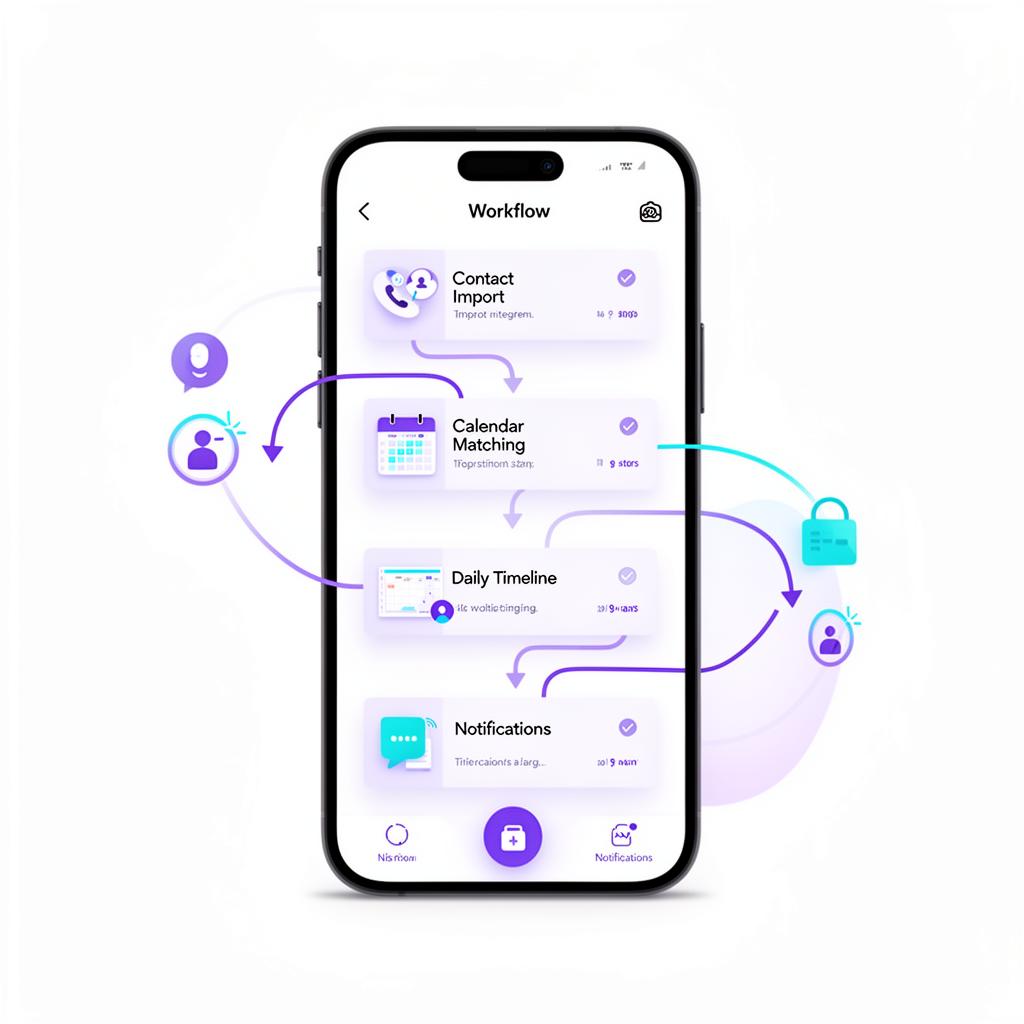
How Gratulant Works
From contact import to daily notifications — here's how Gratulant turns your contacts into a celebration timeline.