How Gratulant Works
From contact import to daily notifications — here's how Gratulant turns your contacts into a celebration timeline.
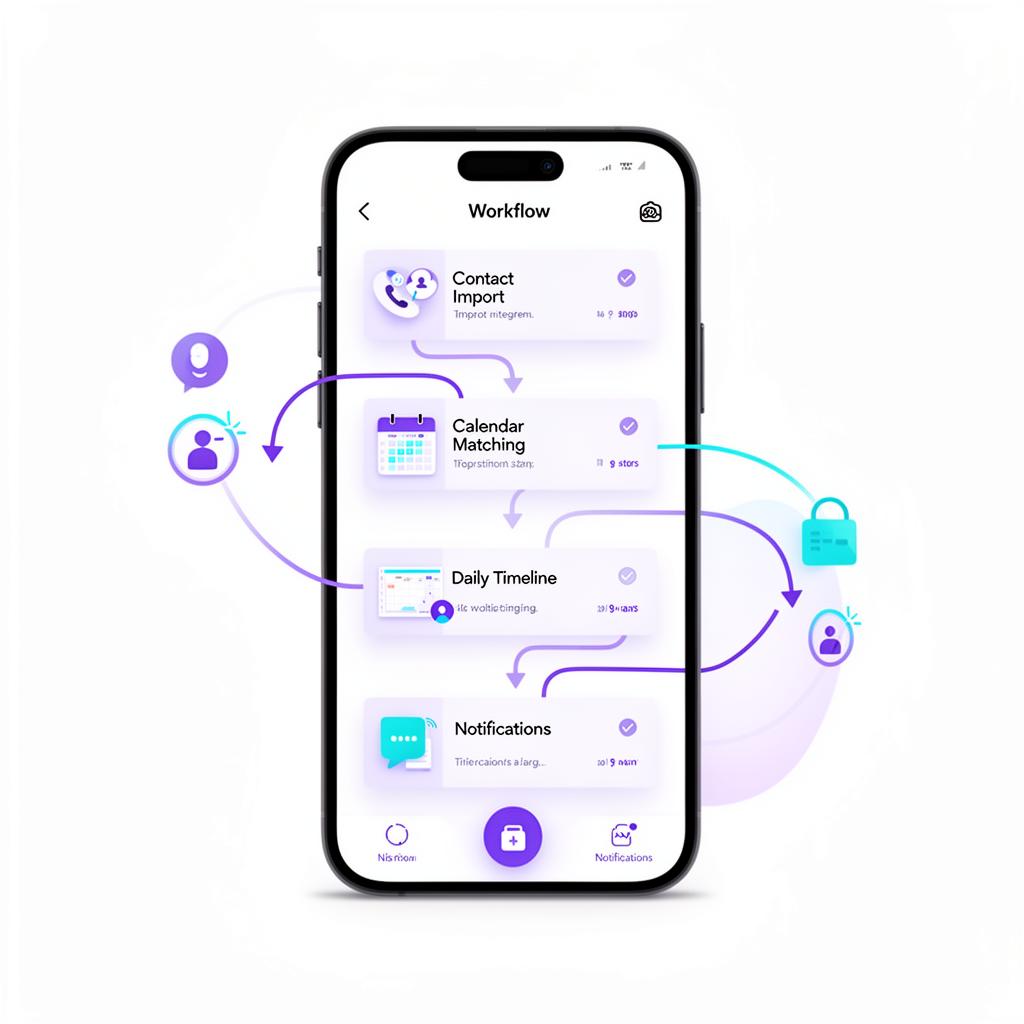
Gratulant is designed to do the hard work behind the scenes so you don't have to. Here's how it turns your contacts into a celebration timeline — from the moment you open the app to the daily notifications that keep you connected.
Step 1: Import Your Contacts
When you first launch Gratulant, a short onboarding flow walks you through the setup. The most important step is granting access to your iOS Contacts. Once you do, Gratulant imports your contacts in the background, extracting names, birthdays, phone numbers, and email addresses. You can also create contacts manually inside the app if someone isn't in your phone yet.
Step 2: Nameday Matching
The app includes complete Czech and Slovak nameday calendars — every day of the year mapped to the names that celebrate on that date. Gratulant's Celebration Engine automatically matches each person's first name against the appropriate calendar. An intelligent alias resolver handles nicknames like "Lucka" → "Lucie" and diacritics like "Jiří" vs "Jiri." The result: you see every person's nameday automatically, without entering a single date yourself.
Step 3: Your Daily Timeline
The Home screen is your daily command center. Every morning, it shows you exactly who is celebrating today — birthdays, namedays (marked with Czech or Slovak flag indicators), anniversaries, and custom occasions. Each celebration card gives you quick actions: congratulate with a tap, call directly, or send a message using greeting templates in Czech, Slovak, or English.
Step 4: Smart Notifications
Daily summaries arrive twice a day — at 7:30 AM and 8:00 PM — bundling all events into a single notification. Advance notifications are reserved for your favorites, configurable at 30, 14, 7, 3, and 1 days before an event. Gratulant manages iOS's 64-notification limit intelligently, prioritizing the nearest events and ensuring favorites always get their alerts.
Step 5: Occasions Beyond Birthdays
Gratulant tracks wedding anniversaries (with traditional gift suggestions), relationship milestones, work anniversaries, graduations, sobriety dates, memorial dates, and custom occasions. For anniversaries, you can link two partners together so the occasion appears on both contacts.
Step 6: Widgets and Gamification
Gratulant extends beyond the app with home screen and lock screen widgets — Today Events, a greeting Counter, and a Favorites widget. Every acknowledgment feeds your gamification profile. Progress through six tiers from Newcomer to Sage, build weekly streaks, and unlock achievements.
Never forget a nameday or birthday
Download the Gratulant app and get smart reminders for namedays and birthdays with enough time to pick the perfect gift.
Learn more about GratulantRelated Articles
Gratulant 1.5.0: Never Miss a Birthday — Even If You Forget the App Exists
Gratulant 1.5.0 brings a glanceable countdown widget, a smart system that keeps your reminders alive even after weeks away, and onboarding that takes under a minute. Here's what's new.
Best Birthday Reminder Apps for iPhone in 2026
Forgetting a birthday feels terrible. Here are the best birthday reminder apps for iPhone in 2026, compared by features, price, and what makes each one unique.
Gratulant Is Live on the App Store!
Gratulant is officially available for download. Import contacts, track namedays, birthdays and more — free on iPhone, iPad and Mac.

Never Forget a Birthday Again: 5 Simple Steps
Forgetting birthdays isn't a character flaw — it's an organizational problem. Here are 5 steps to make sure you never miss another important celebration.